13 PRODUCTS

18650 Battery Chargers
13 products

Showing 1 - 13 of 13 products

Showing 1 - 13 of 13 products
View
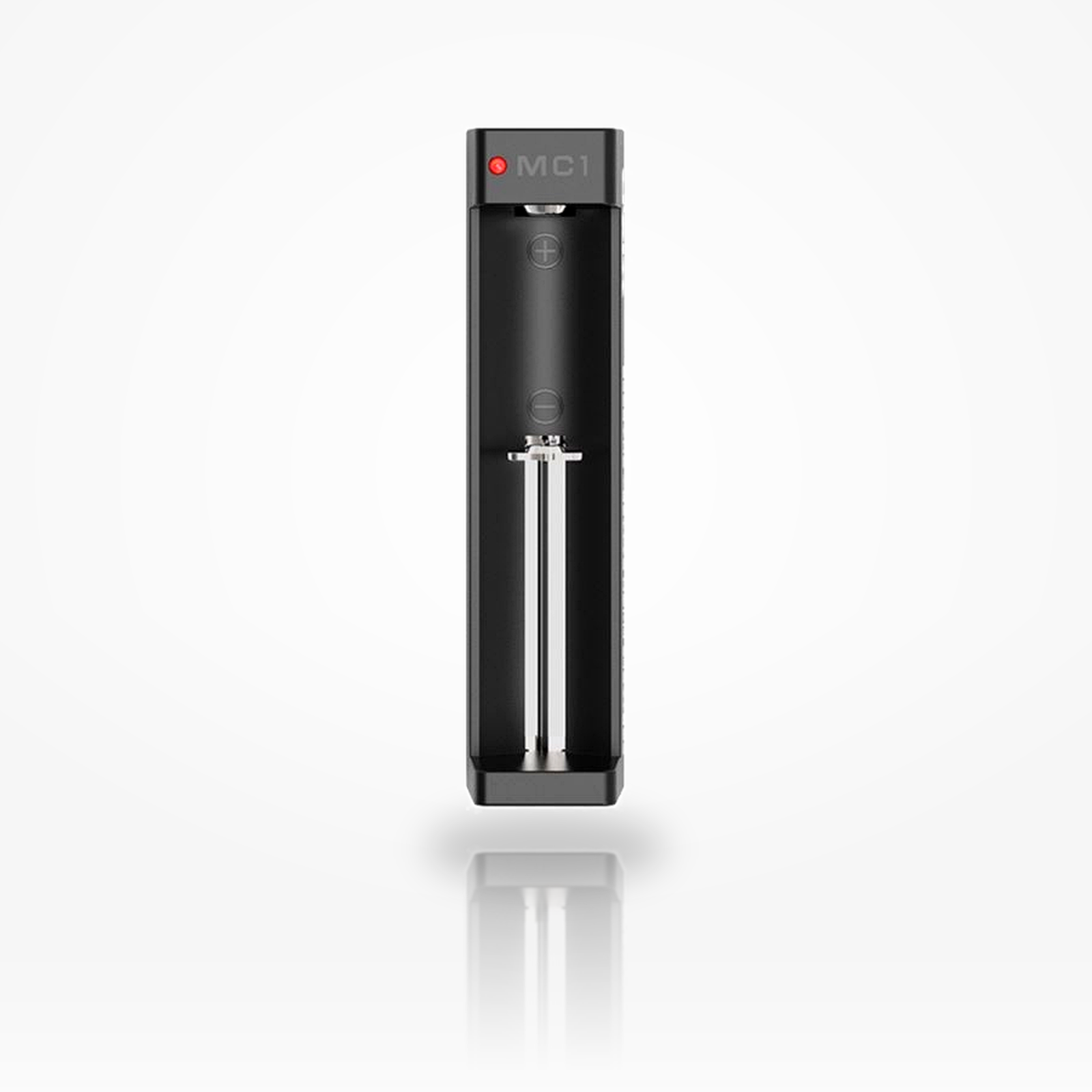
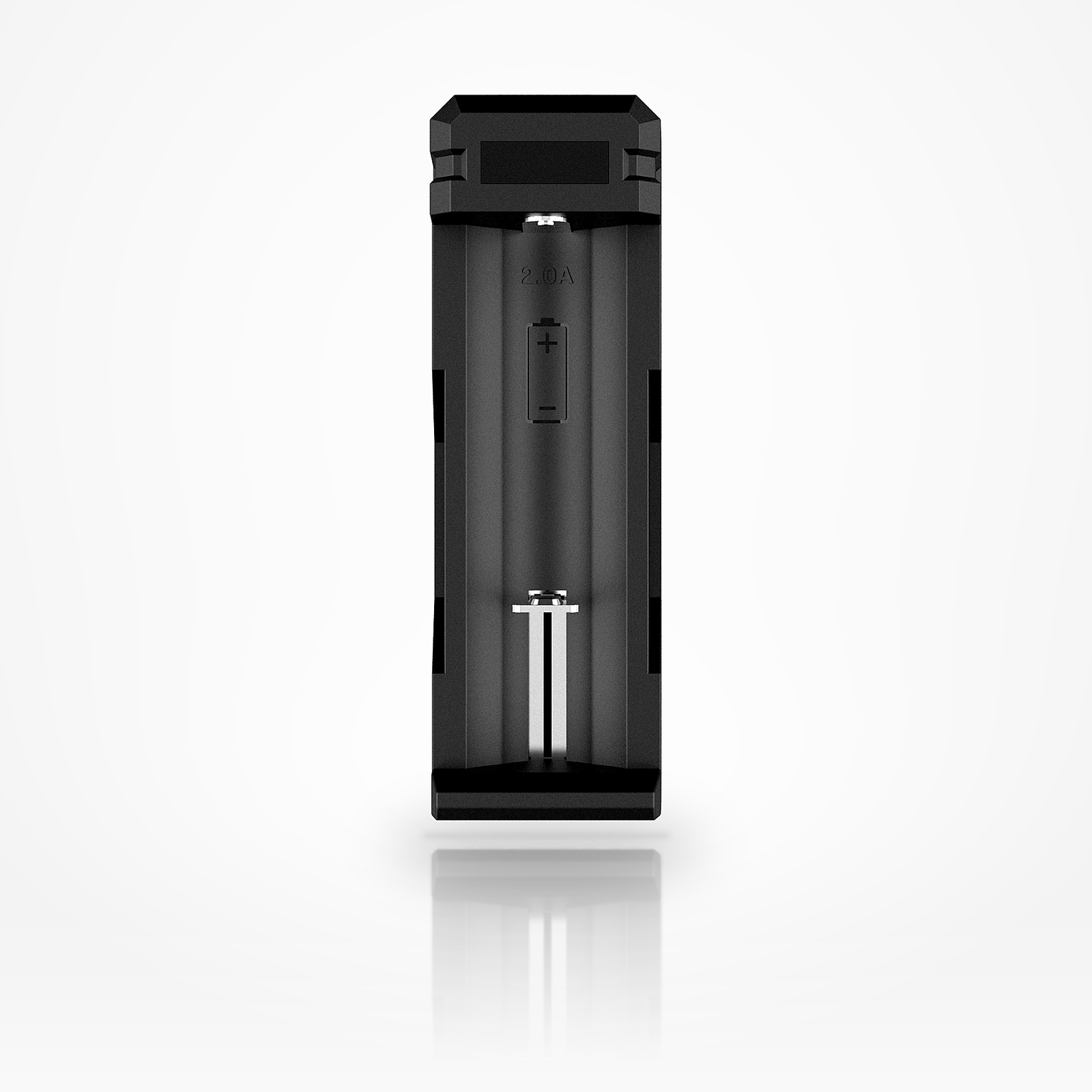
XTAR MC1 1 Bay USB Battery Charger
Price$4.99
4.8 out of 5 · 159 reviews
In stock
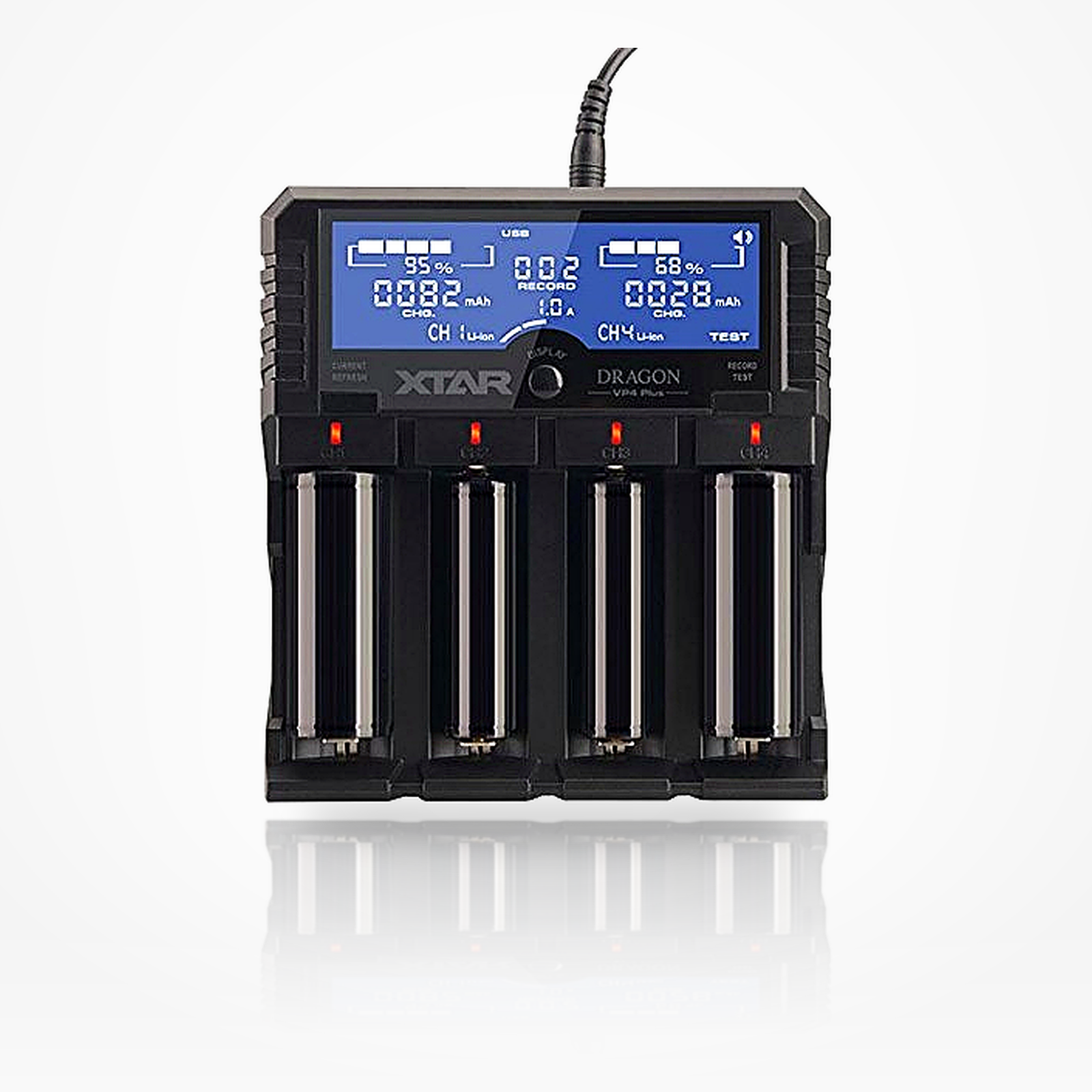
XTAR Dragon VP4L Plus 4 Bay Digital Battery Charger
Price$74.99
4.8 out of 5 · 61 reviews
In stock
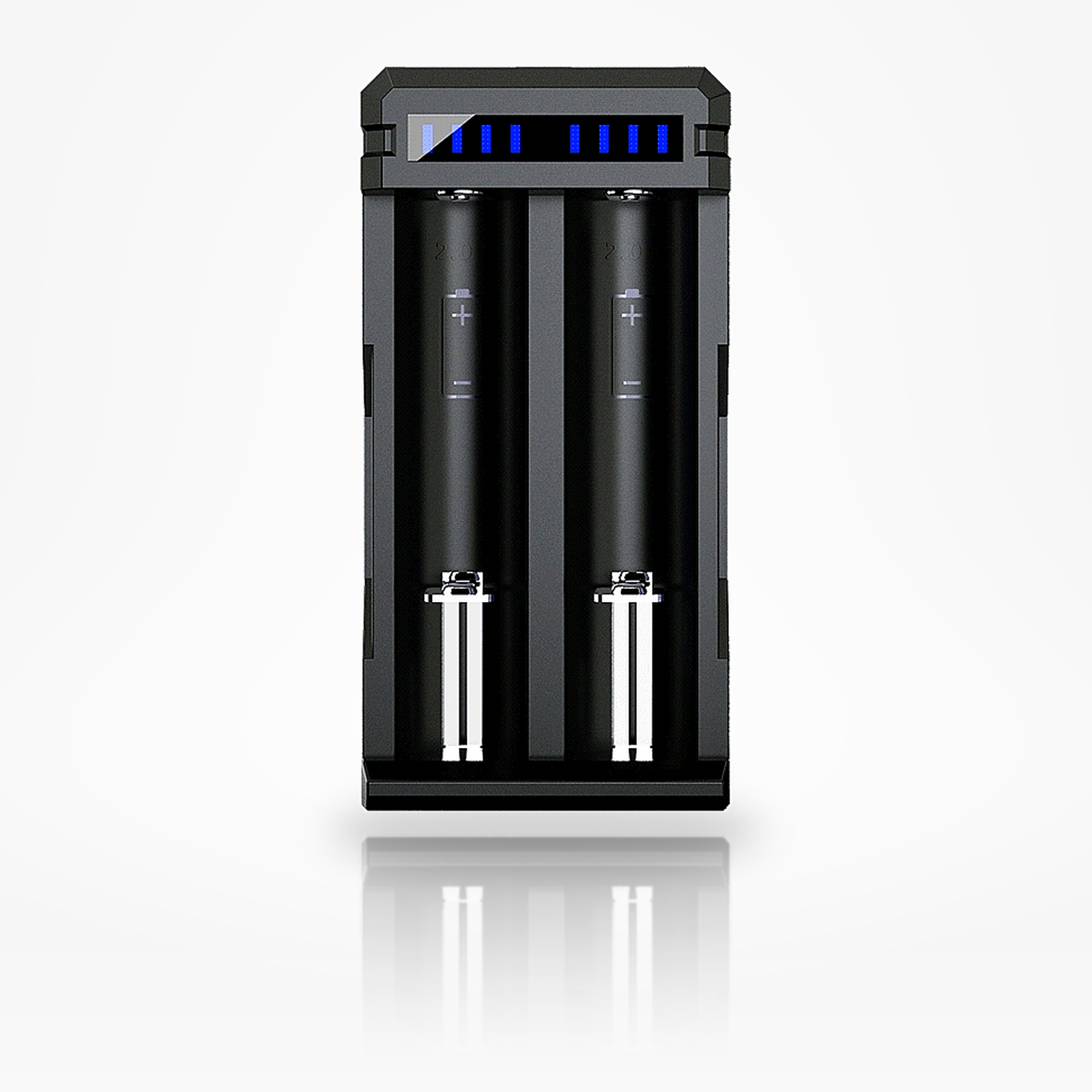
XTAR SC2 USB Portable 3A Speedy Battery Charger
Price$12.99
4.8 out of 5 · 59 reviews
In stock
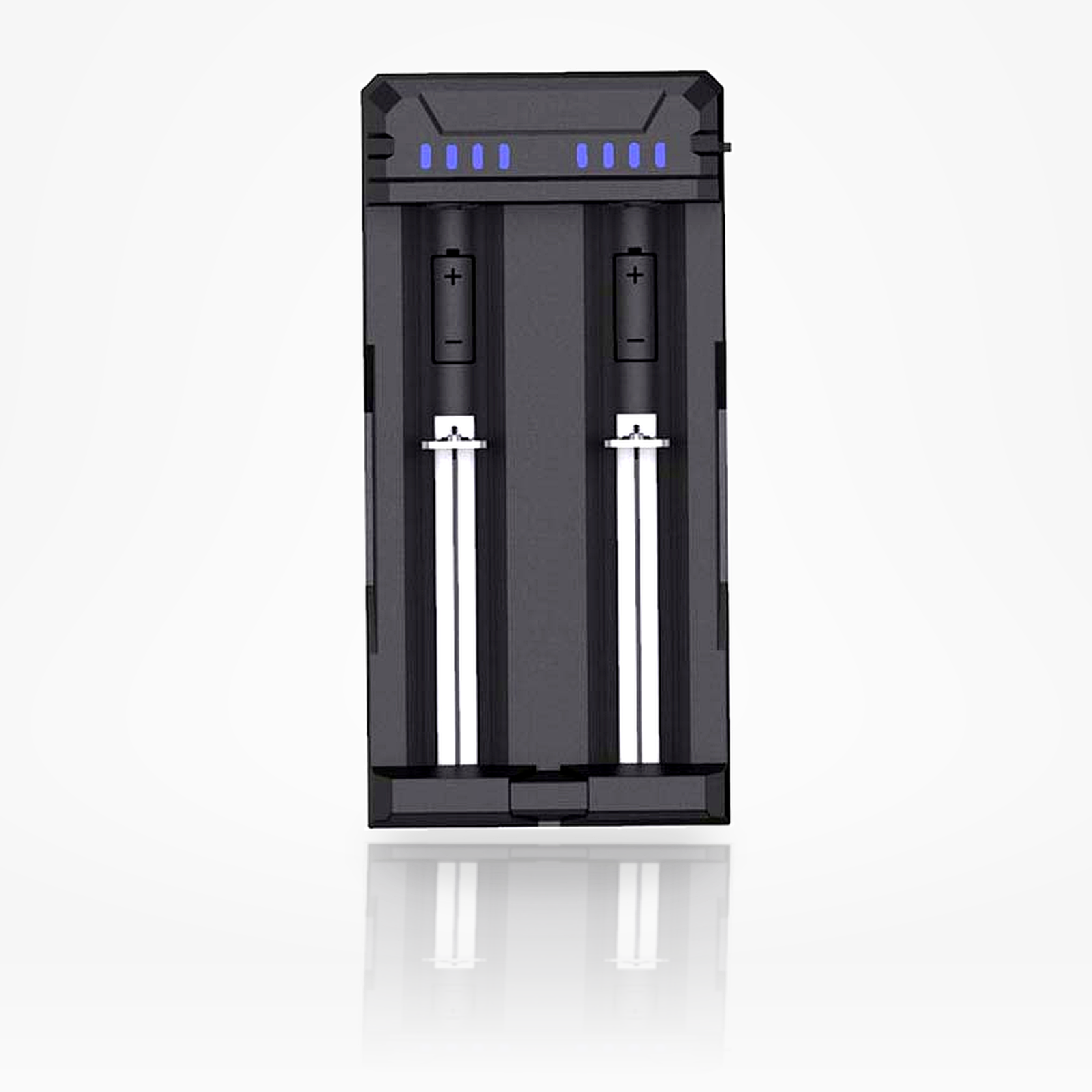
XTAR FC2 2A USB LED Battery Charger
Price$10.99
4.9 out of 5 · 43 reviews
In stock
XTAR SC1 USB Portable 2A Speedy Battery Charger
Price$7.99
4.8 out of 5 · 35 reviews
In stock
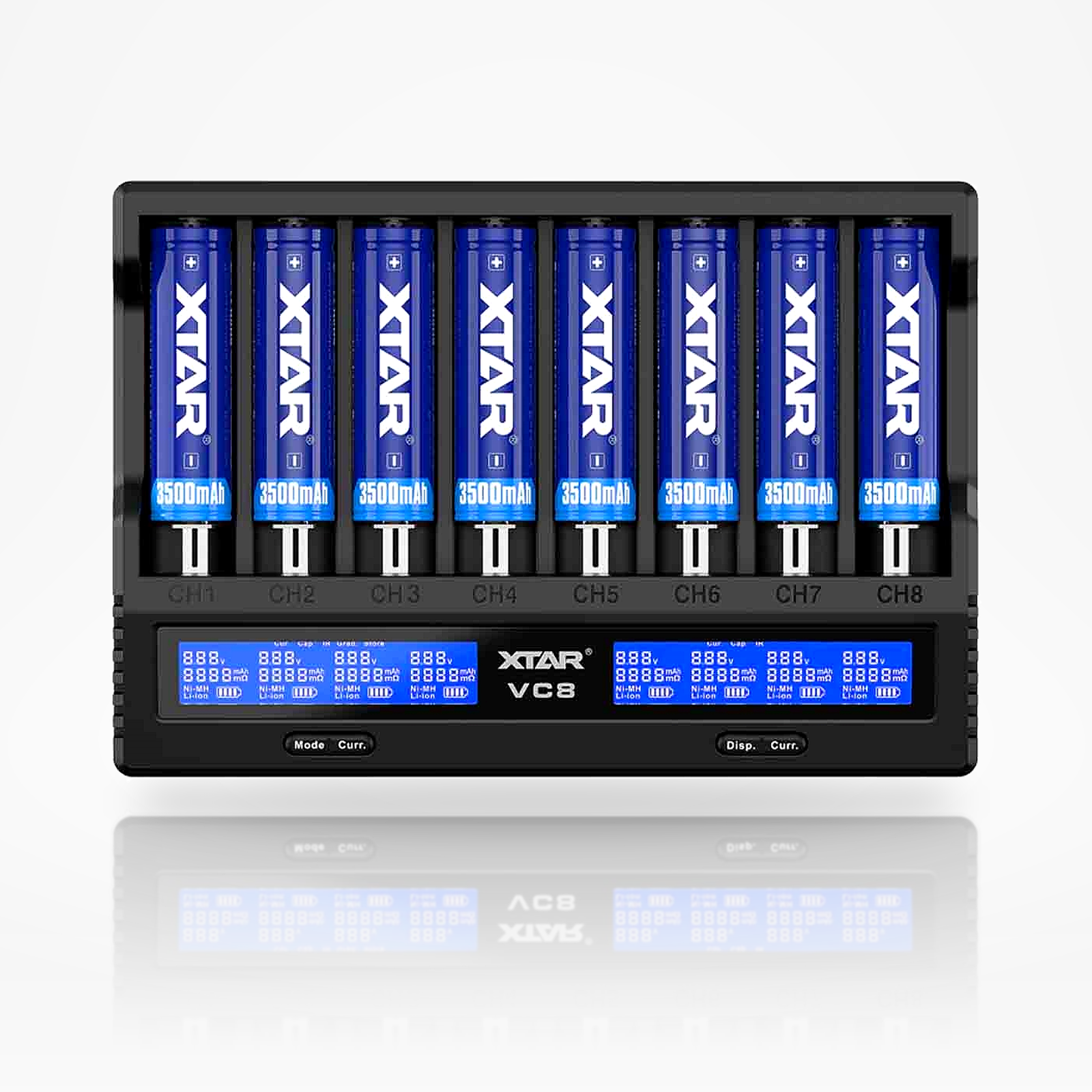
XTAR VC8 8 Bay Smart Li-ion Battery Charger
Price$44.99
4.7 out of 5 · 52 reviews
In stock
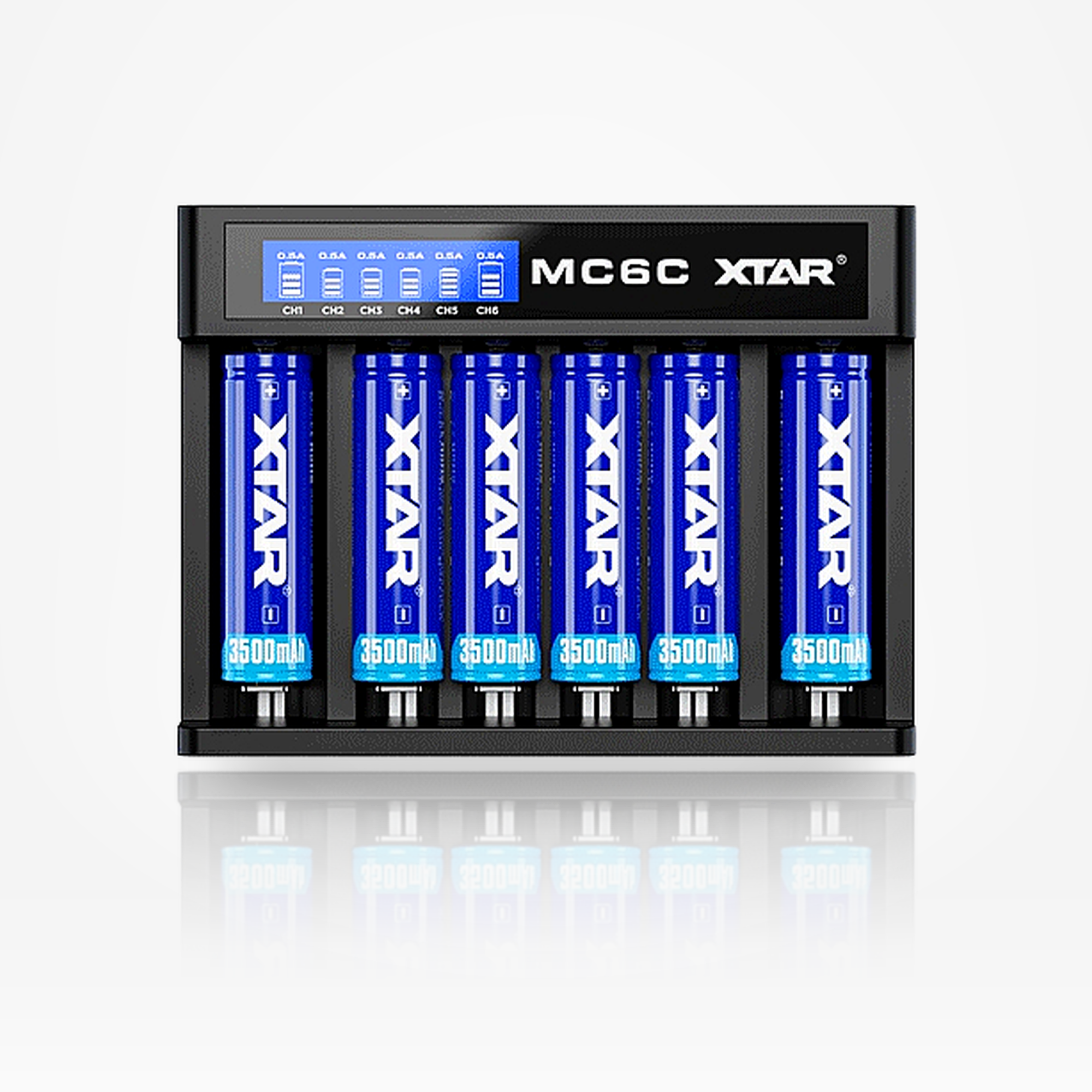
XTAR MC6C 6 Bay Smart LCD Li-ion Battery Charger
Price$17.99
4.7 out of 5 · 39 reviews
In stock
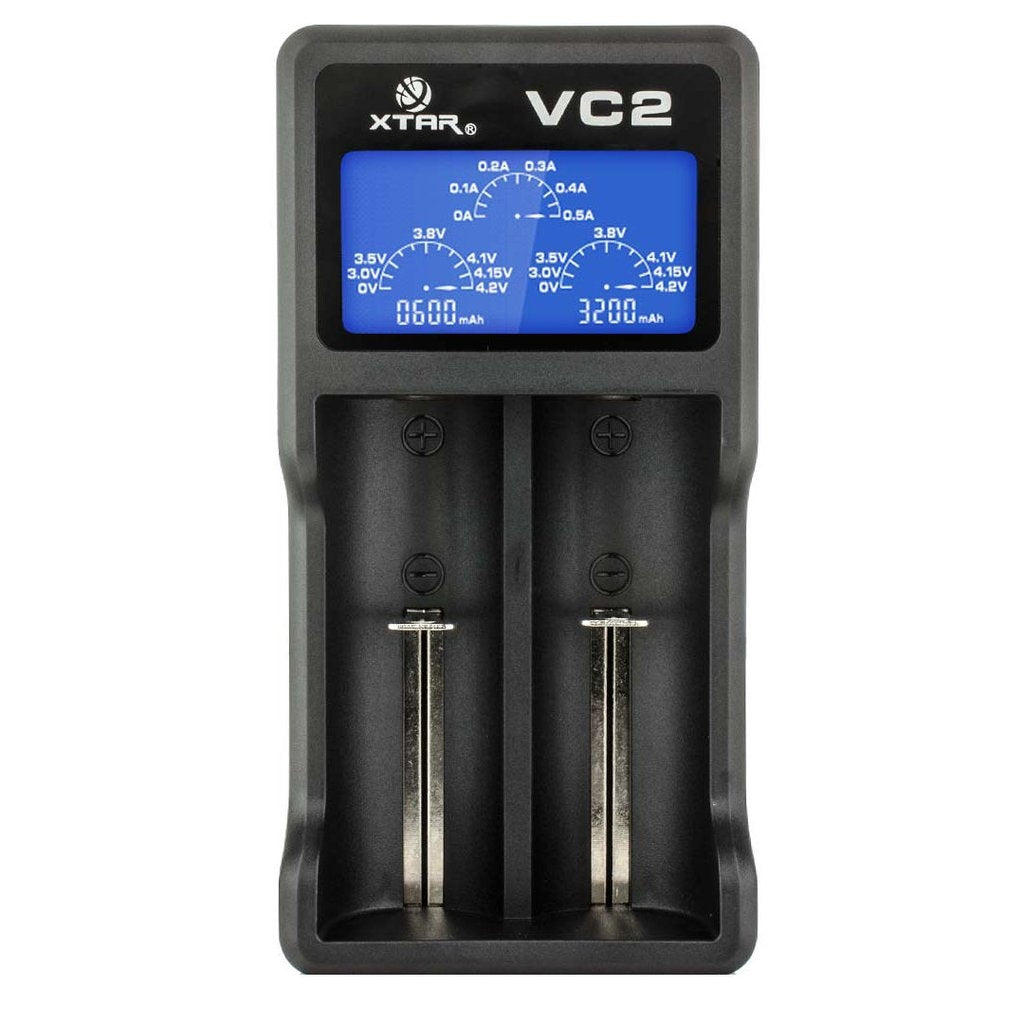
XTAR VC2 2 Bay Digital Battery Charger
Price$14.99
4.8 out of 5 · 83 reviews
Sold out
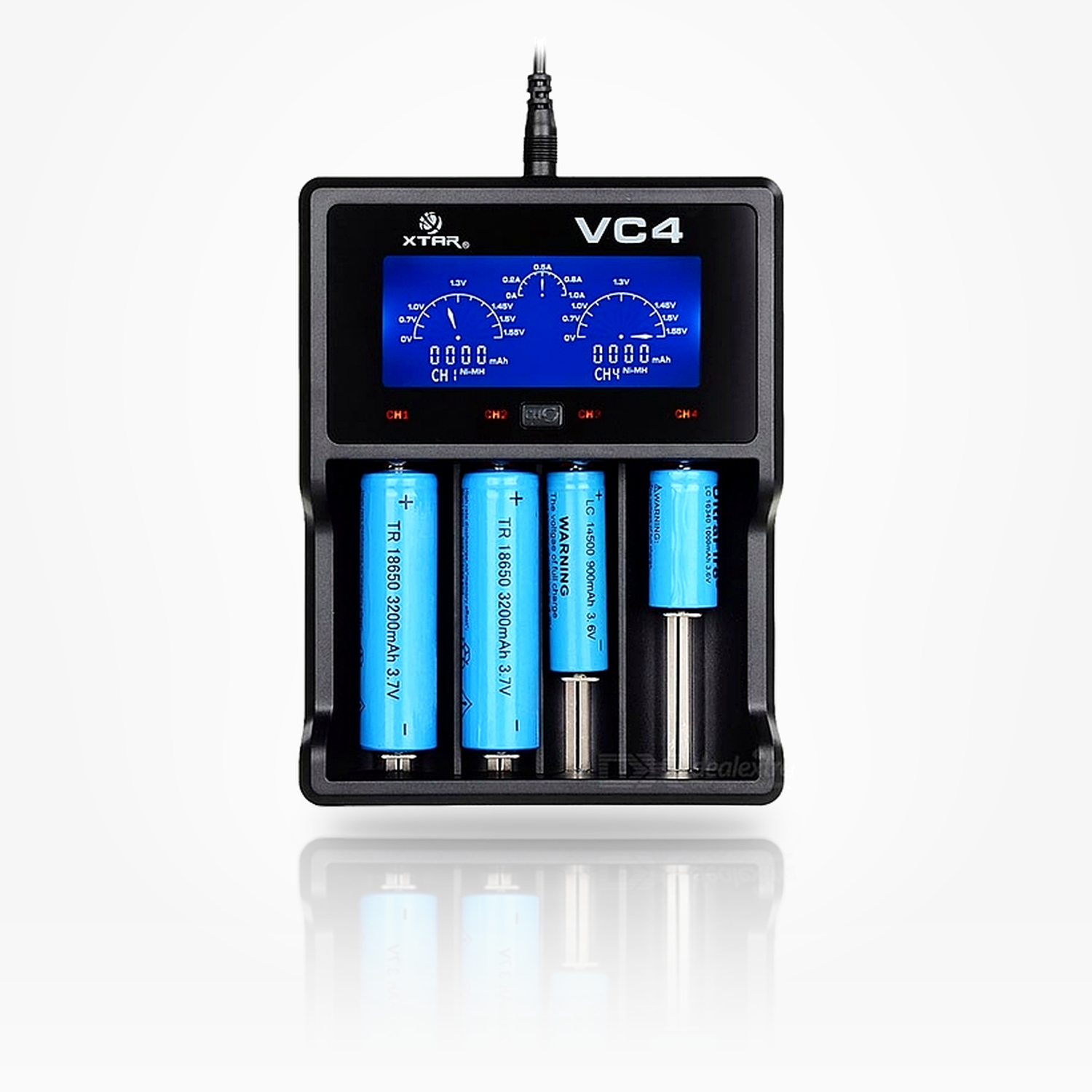
XTAR VC4 4 Bay Digital LCD Battery Charger
Price$18.99
4.8 out of 5 · 156 reviews
Sold out
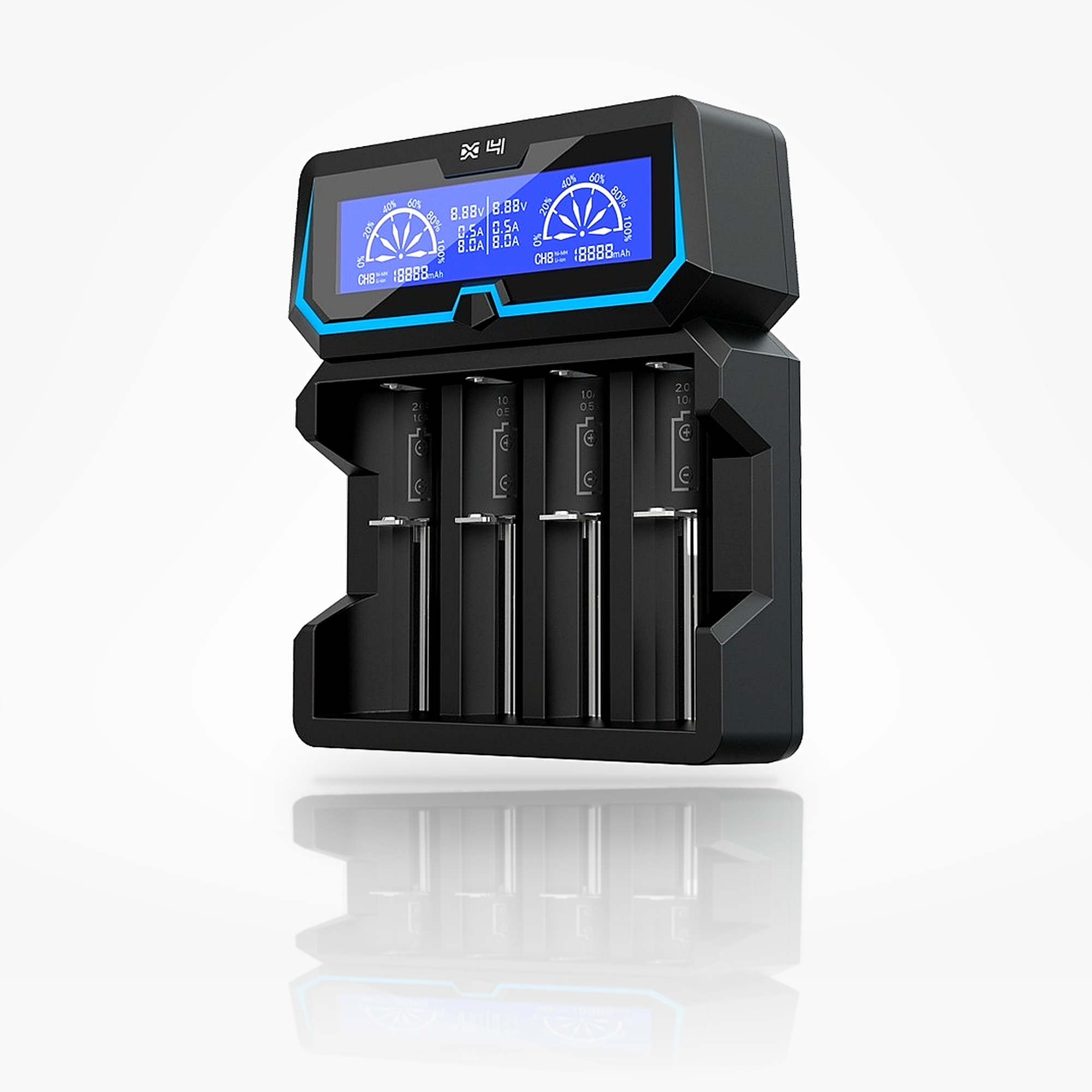
XTAR X4 4 Bay Smart Digital LCD Battery Charger
Price$34.99
5.0 out of 5 · 25 reviews
Sold out
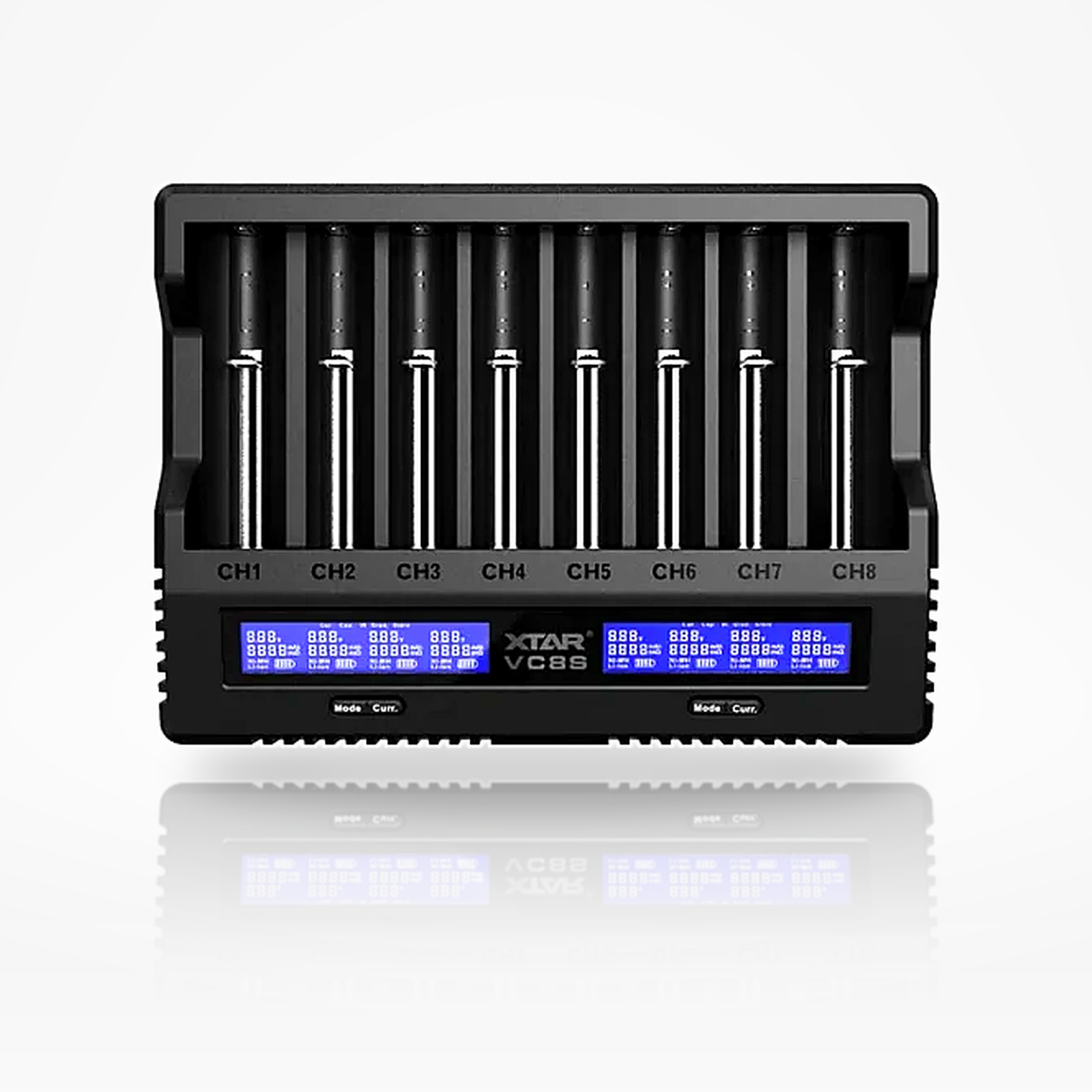
XTAR VC8S SET - 8 Bay Smart Li-ion Battery Charger
Price$39.99
5.0 out of 5 · 2 reviews
Sold out
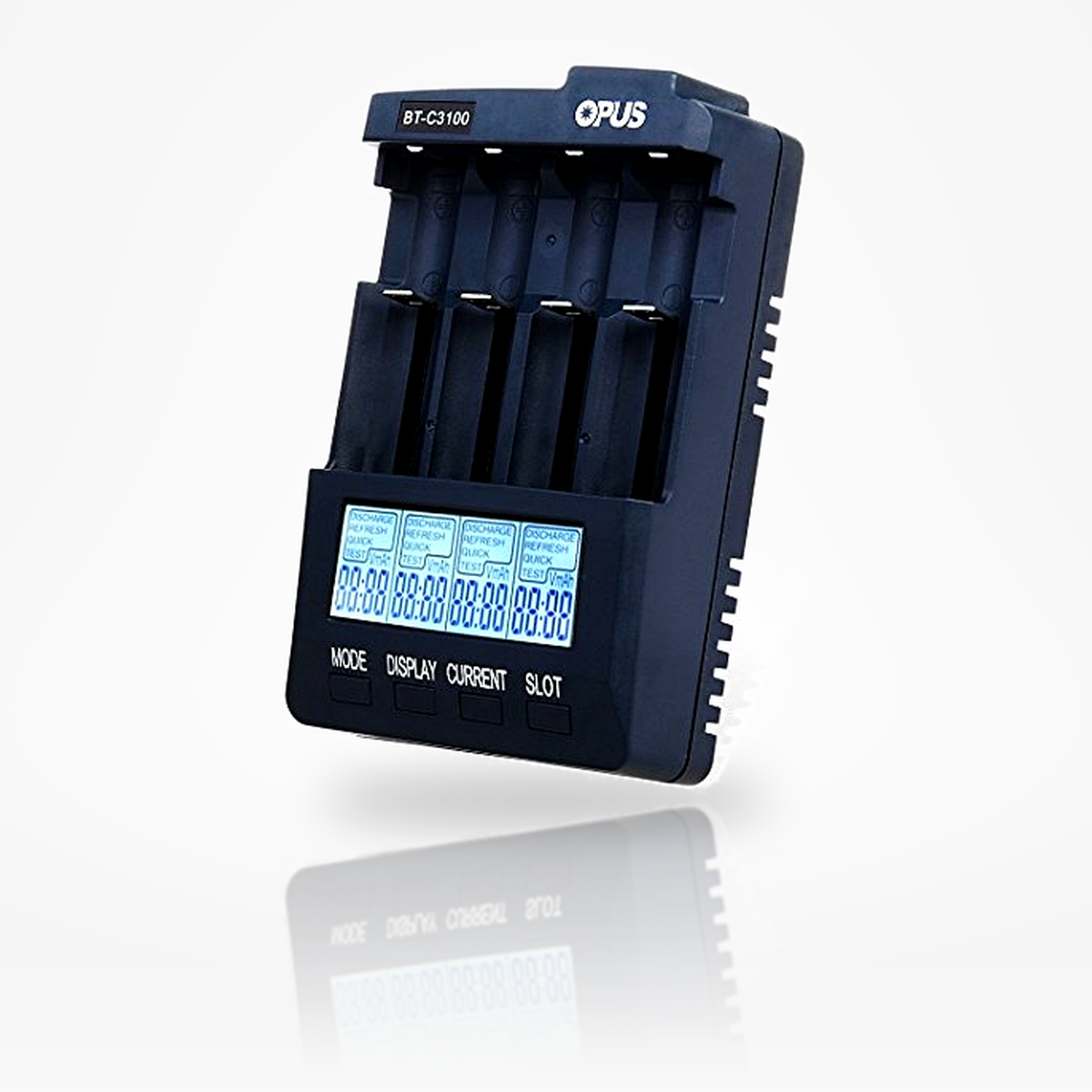
Opus BT-C3100 v2.2 4 Bay Digital Battery Charger
Price$49.99
4.9 out of 5 · 140 reviews
Sold out
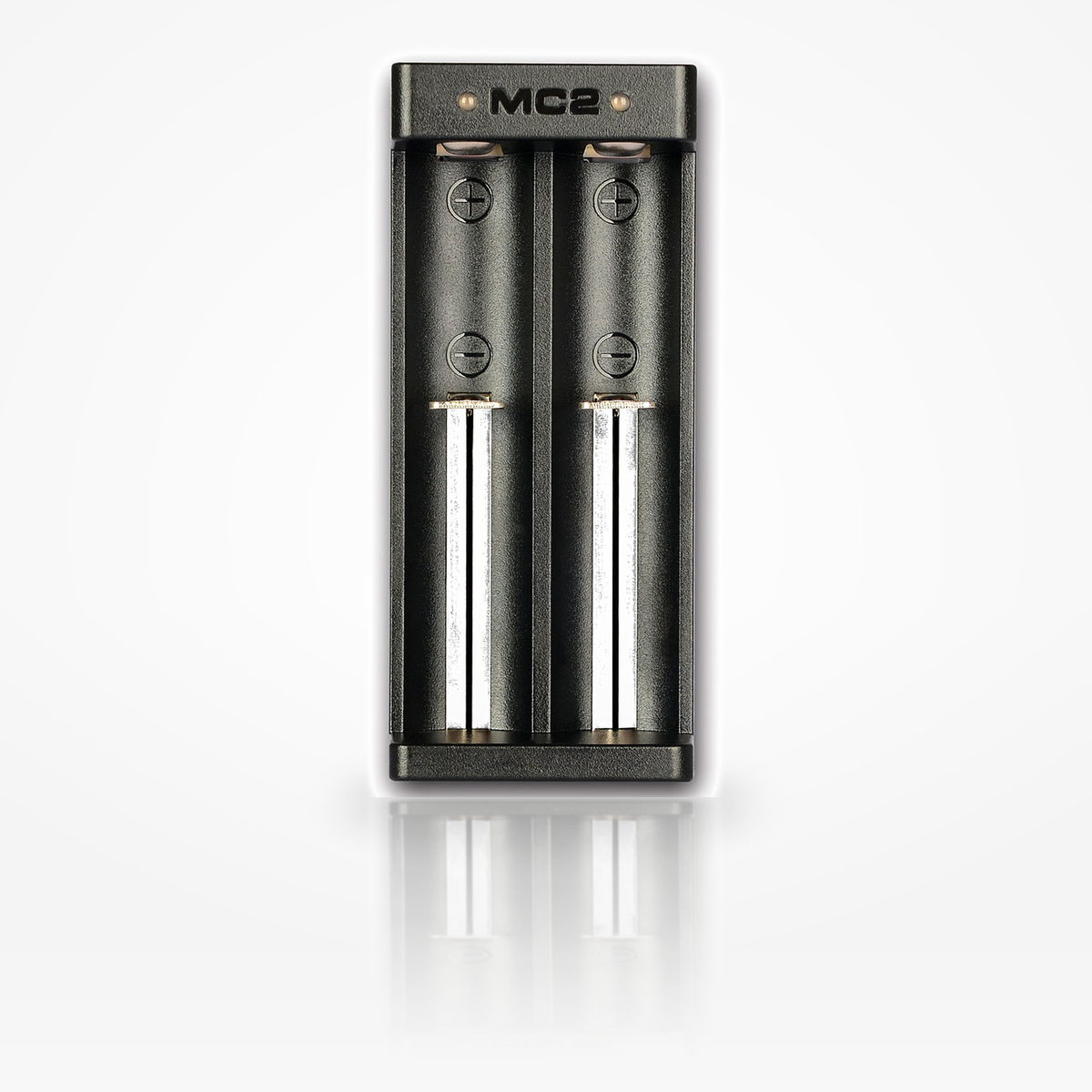
XTAR MC2 2 Bay USB Battery Charger
Price$6.99
4.8 out of 5 · 57 reviews
Sold out

ABOUT THIS COLLECTION

How to charge 18650 cells

Lithium-ion cells are charged at constant current, then constant voltage (CC/CV). Use a charger made for lithium-ion cells. To pick one by use, see our recommended battery chargers.

Steps

  1. Check the cell first. Do not charge a cell that is swollen, leaking, dented or has a torn wrap.
  2. Put the cell in the charger with the polarity as marked.
  3. Set the charge current if the charger lets you. Stay at or below the charge current on the cell's data sheet. A lower current is easier on the cell.
  4. Take the cell out when the charger shows it is full. A standard lithium-ion cell is full at 4.2 V.

Charge current and time

Data sheets give a standard charge current and often a higher rapid-charge current. Many set the standard charge near 0.5C, which is 1.5 A for a 3,000 mAh cell. Use the figure for your cell. As a rough guide, a 3,000 mAh cell takes about 3 to 4 hours at 1 A and about 1.5 to 2 hours at 2 A.

Safety

  • Never charge a standard lithium-ion cell above 4.2 V. LiFePO4 cells have a lower limit and need a charger with a LiFePO4 setting.
  • Charge on a surface that will not burn, away from anything flammable, and stay nearby.
  • Stop if a cell gets hot.

Charging in a device

Some flashlights and other devices charge the cell inside them over USB. That works, and is usually slower than a dedicated charger.

Storage

For long storage, leave cells at about 40% to 60% charge (3.7 V to 3.8 V) in a cool, dry place, and keep them in a case. See the battery safety page for handling and the recycling guide for cells at the end of their life.

Recently viewed